OBD2 Scanner Guide — Reading Codes and Choosing the Right Tool
OBD2 scanners explained: code readers vs full scanners, Bluetooth dongles, professional tools, and when DIY diagnostics save money.
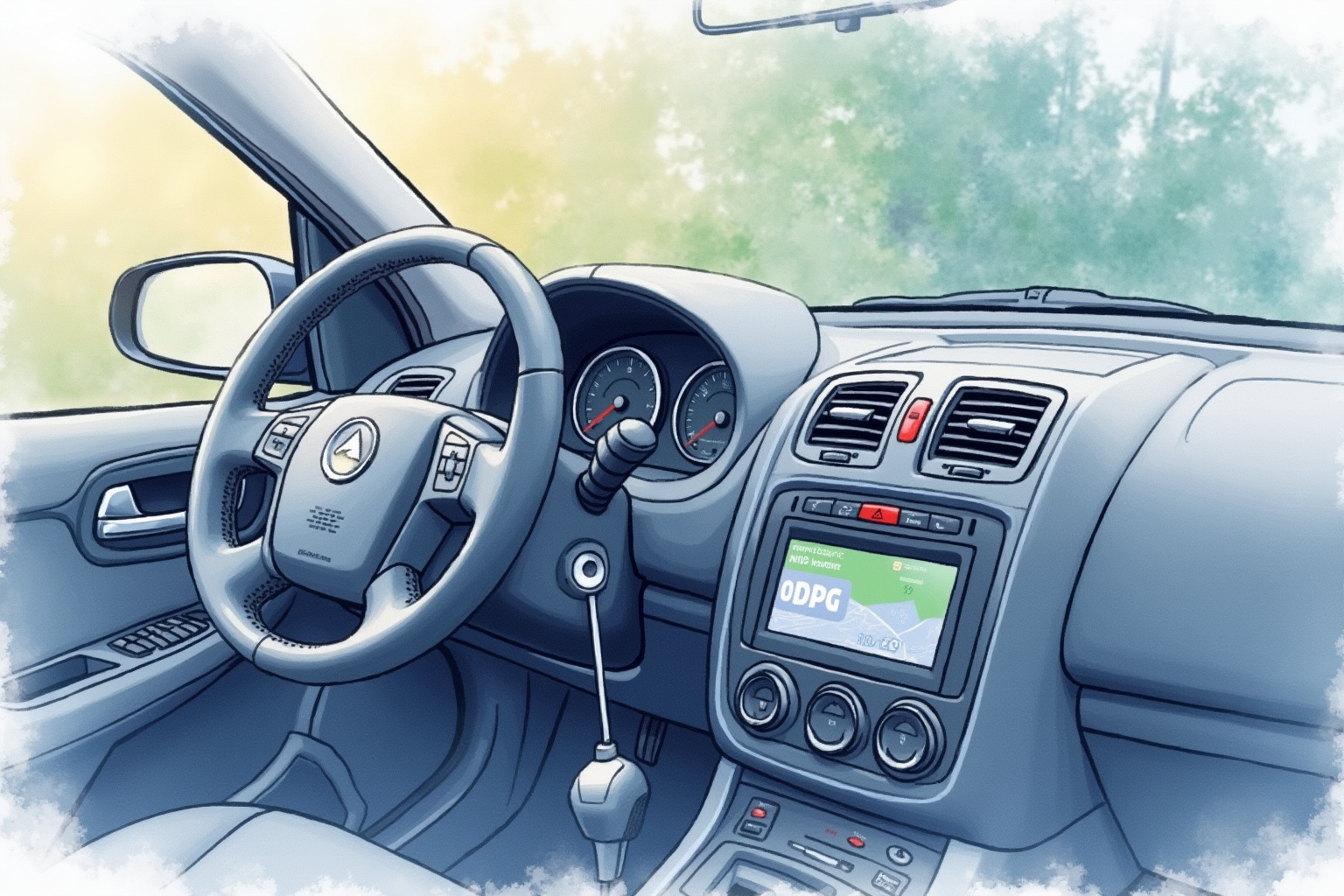
OBD2 scanners (also called code readers or diagnostic scanners) plug into vehicle’s diagnostic port and read trouble codes. They’ve become the first step in many DIY car repairs, and the technology has dropped from $500+ professional tools to capable $50-150 Bluetooth dongles that work with smartphone apps. For most car owners, having a basic OBD2 scanner pays for itself within one or two avoided shop visits.
This article uses EPA OBD program documentation, Wirecutter scanner reviews, AAA diagnostic data, and Reddit r/mechanics community feedback to evaluate OBD2 scanners. Topics include code reader vs scan tool differences, top Bluetooth dongles, professional tools, and practical DIY use.
For complementary content, see tire pressure monitor tested and emergency roadside kit.
What OBD2 actually does
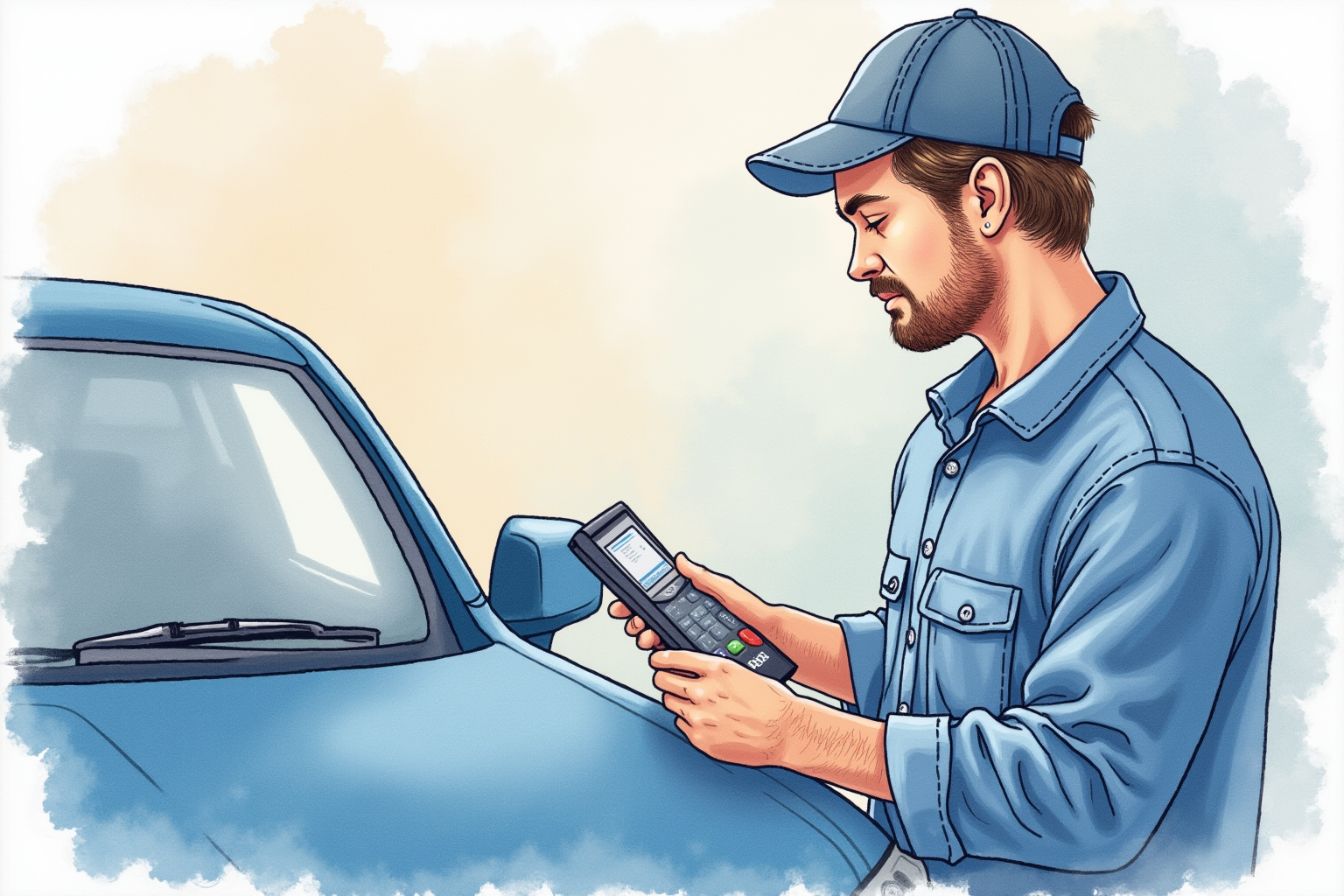
Per EPA OBD program requirements, all U.S. vehicles 1996+ have standardized OBD2 system. The system monitors:
Engine: misfires, fuel system, ignition, sensors (oxygen, air-flow, coolant temp) Emissions: catalytic converter, EVAP system, oxygen sensors Transmission: shift quality, sensors ABS/brakes: wheel speed sensors, ABS module SRS/airbag: collision sensors, deployment circuitry Body: power windows, locks, lights (varies by vehicle)
When a fault is detected, OBD2 generates Diagnostic Trouble Code (DTC) like “P0420 Catalytic Converter Efficiency Below Threshold (Bank 1)” and turns on Check Engine Light.
Scanners read these codes plus live sensor data, helping diagnose problems before paying for shop diagnostic fees.
DTC code structure
Codes follow standard format:
- First character: P (powertrain), B (body), C (chassis), U (network)
- Second character: 0 (generic SAE), 1 (manufacturer-specific)
- Third character: system (1=fuel/air, 2=fuel/air, 3=ignition, 4=auxiliary emissions, 5=vehicle speed/idle, 6=computer/output, 7=transmission, 8=transmission)
- Last three: specific code
So “P0420” is: Powertrain, generic, auxiliary emissions (catalytic converter system), code 20 (efficiency).
Bluetooth OBD2 dongles — best value
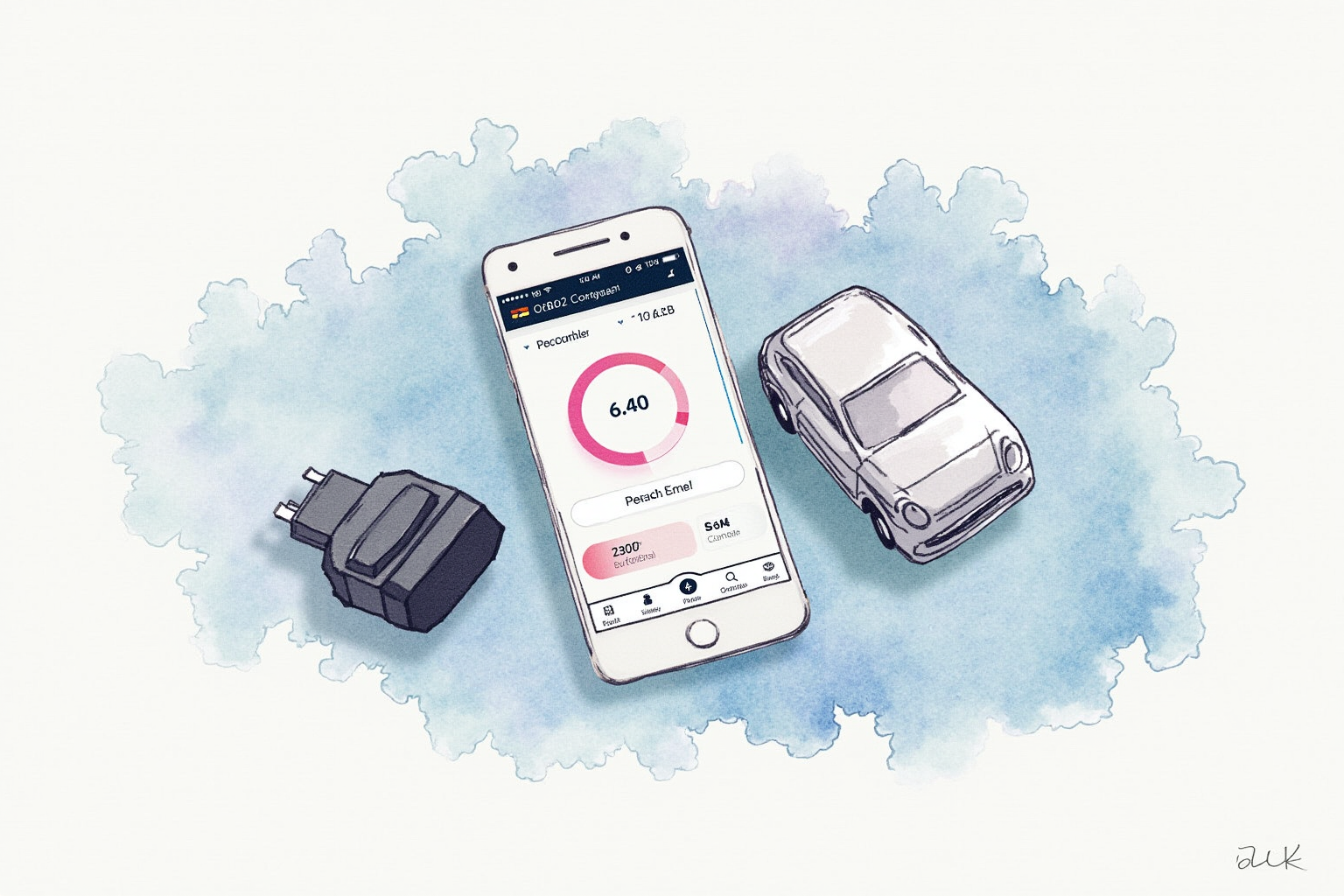
For DIY home use, Bluetooth OBD2 dongles paired with smartphone apps offer the best value-to-capability ratio.
BlueDriver Bluetooth Pro OBDII Scan Tool
Price · $110-130
+ Pros
- · Reads codes from all vehicle systems
- · Built-in 'Repair Reports' linking codes to fixes
- · Strong iOS and Android app
- · No subscription required
− Cons
- · BlueDriver app required (no third-party apps)
- · Premium pricing vs simple code readers
- · App can be slow on older phones
Price, availability, and ratings can change; verify details on the retailer page before buying.
BlueDriver is the consistent Wirecutter recommendation. The “Repair Reports” feature is genuinely useful — when a code is read, BlueDriver shows likely causes and repair steps based on its database of common fixes for that code on your specific vehicle.
For users who want guided diagnostic experience, BlueDriver is the right choice.
OBDLink MX+ Bluetooth OBD2 Scanner
Price · $130-150
+ Pros
- · Fastest data refresh rate in category
- · Works with many third-party apps (FORScan, Torque Pro)
- · Premium build quality
- · Lifetime app updates included
− Cons
- · No built-in repair guidance
- · Higher price than BlueDriver
- · App ecosystem can be confusing for beginners
Price, availability, and ratings can change; verify details on the retailer page before buying.
OBDLink MX+ targets power users. Fast data streaming (helpful for diagnosing intermittent issues), compatibility with FORScan (Ford-specific diagnostics), Torque Pro (highly customizable dashboard), and many other apps.
For users who want flexibility and don’t need guided repair advice, OBDLink MX+ is the strong choice.
Budget options
For simple code reading on a tight budget:
OBDLink LX ($60-80): basic Bluetooth dongle, reads engine codes only, works with Torque Pro. Sufficient for reading and clearing engine codes.
Generic ELM327 Bluetooth dongle ($15-25): cheap Chinese OBD2 dongles. Quality varies widely. Often work with Torque Lite (free Android app). Cheap option for occasional use.
Innova 3030g Pro ($60-80): standalone code reader, no smartphone needed. Old-school design but reliable for basic code reading.
For most users, BlueDriver or OBDLink MX+ are worth the premium over budget options. Better build quality, more reliable, more features.
Professional-grade tools
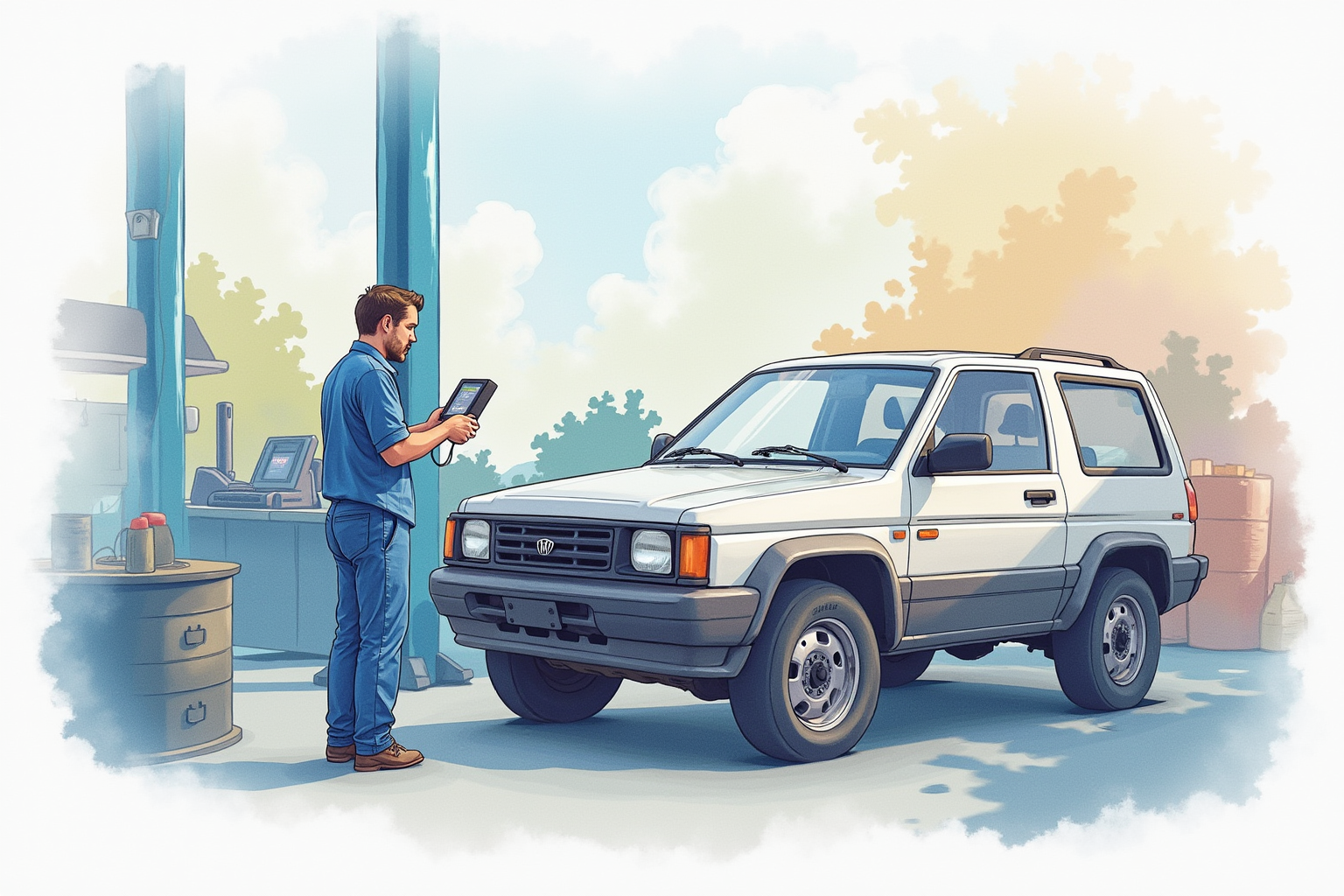
Professional mechanics use scan tools costing $500-3,000+ that offer features hobby-level scanners don’t:
Bidirectional control: ability to command vehicle components (turn on fuel pump, cycle solenoids, etc.) for diagnostic testing.
Manufacturer-specific protocols: full diagnostic depth for specific brands (Ford FORScan, Toyota Techstream, BMW INPA, etc.).
ECU programming: rewriting engine control computer software.
Active live data: continuous high-rate streaming of all vehicle sensors.
Brands: Snap-on Modus/Solus, Autel MaxiSys, Launch X431, Texa.
For DIY hobby use, professional tools are overkill. Most home users get sufficient diagnostics from $100-150 Bluetooth dongles. Professional tools matter for: shop owners, vehicle modders, advanced DIYers working on multiple brands.
Free code reading
Auto parts stores offer free OBD2 code reading:
AutoZone, Advance Auto, O’Reilly Auto Parts, Pep Boys: store associates use shop scan tools to read codes. Free service intended to drive parts sales.
Limitations: only reads engine codes (sometimes transmission). Doesn’t include analysis or repair recommendations beyond what’s printed on receipt. Store associates often suggest part replacement; verify with secondary research before buying.
For one-time codes (rare check engine light), free store reading is reasonable. For ongoing diagnostic needs, buying $100 scanner pays for itself quickly.
Common DIY use cases
Per Reddit r/mechanics and DIY automotive forums:
Clearing check engine light after gas cap: common cause is loose/missing gas cap (P0440, P0455, P0456). Tighten cap, drive 50-100 miles to clear naturally, or scanner can clear immediately.
Diagnosing rough idle: misfire codes (P0301-P0308) identify which cylinder is misfiring. Helps narrow down ignition coil, spark plug, or injector issue.
Verifying repair completion: replaced part, drove vehicle, light came back on? Scan to see if same code or new one returned.
Monitoring known issue: if you have intermittent code (sets randomly, clears itself), scanner with logging can track when it occurs.
Pre-purchase inspection on used car: scan codes before buying. Codes that auto-clear when scanner connects (pending codes) indicate emerging issues.
Limitations and cautions
Code doesn’t always mean problem: some codes are pending (single occurrence, may not return). Don’t replace parts based on single code reading.
Multiple codes: when multiple codes appear, focus on lowest-numbered code first (often root cause; others may be downstream effects).
Clearing codes hides problems: clearing without fixing causes Check Engine Light to return when issue recurs. Don’t clear without investigation.
Scanner doesn’t diagnose, identifies: scanner says “P0420 catalytic converter efficiency low.” Doesn’t mean your converter is bad — could be upstream O2 sensor, exhaust leak, or actual converter failure. Diagnosis requires investigation beyond code reading.
Emissions failure scenarios: some states require all codes cleared and “drive cycle” completed for emissions inspection. Clearing codes immediately before testing causes failure (not ready).
Workflow for DIY diagnostic
When Check Engine Light comes on:
1. Scan for codes: use OBD2 scanner or get free store reading. Note all codes.
2. Research codes: search “[code number] [your vehicle year/model]” for common causes and fixes. Forums and YouTube videos especially helpful.
3. Verify before replacing: most YouTube and forum diagnostic guides explain how to verify a specific component (testing voltage, checking vacuum, etc.) before replacing.
4. Replace one thing at a time: don’t replace multiple parts simultaneously. Replace one, clear code, drive, see if light returns.
5. Repeat scan after repair: verify code didn’t return after driving. Pending code that doesn’t return = fixed. Permanent code returning = different issue or part not actually the problem.
Bottom line
For DIY home use: BlueDriver ($110-130) or OBDLink MX+ ($130-150) are the right choices. Pay for build quality and feature depth that cheap dongles lack.
For occasional code reading only: free store scanning at AutoZone/Advance Auto is reasonable alternative.
For advanced enthusiasts: OBDLink MX+ paired with manufacturer-specific apps (FORScan for Ford, Techstream for Toyota) provides near-professional capability at $200-300 total cost.
Scanner pays for itself within one or two avoided shop diagnostic fees. Combined with internet research, basic DIY repairs become accessible to most vehicle owners.
For complementary reading, see tire pressure monitor tested, emergency roadside kit, and the car safety category.
Decision workflow before buying or clearing codes
A useful OBD2 scanner decision starts before the purchase. Write down the problem the tool must solve: a one-time check-engine-light read, emissions readiness before inspection, live data for intermittent drivability symptoms, or a long-term maintenance log for an older vehicle. A basic code reader can show stored and pending powertrain codes, but it may not show manufacturer-specific body, ABS, airbag, transmission, or hybrid-system modules. That distinction matters because a cheap reader can look successful while hiding the module that actually explains the warning light.
Use a three-step boundary. First, read the code and freeze-frame context without clearing anything. Second, compare the code with symptoms, service history, battery voltage, fuel level, and recent repairs. Third, decide whether the next action is a safe owner check, a repeat scan after a drive cycle, or a qualified diagnostic appointment. Clearing codes too early can erase evidence, reset readiness monitors, and make an emissions test fail even when the original problem was small.
| Situation | Scanner level that usually fits | Stop point |
|---|---|---|
| Occasional check-engine light | Basic reader with pending codes and freeze frame | Flashing MIL, misfire, overheating, fuel smell |
| Emissions readiness check | Reader that displays monitor status clearly | Monitors will not complete after normal driving |
| Used-car inspection | Tool that can show pending codes and battery voltage | Seller refuses a scan or codes were recently cleared |
| DIY troubleshooting | Live data, graphing, and manufacturer definitions | Safety systems, high voltage, airbags, ABS, or repeated faults |
Evidence to keep for a mechanic or inspection station
Take photos or notes before changing anything: code number, description, freeze-frame speed and temperature, whether the light is steady or flashing, odometer reading, fuel level, and whether the battery was recently disconnected. If the car is going to a shop, this record saves time because it shows the state before codes were cleared or monitors reset. If the car is being considered for purchase, the record helps separate a normal old stored code from a suspicious pattern of pending faults, incomplete monitors, and vague seller explanations.
A scanner is a measurement tool, not a verdict. The value comes from preserving context and choosing the next safe step. If the tool pushes you to replace parts without confirming the system, the workflow has failed. Treat the scanner as the start of a diagnostic conversation, not the end of one.