Parking Mode Dash Cam — How It Works and Best Practices
Dash cam parking mode explained: motion detection, time-lapse, battery vs capacitor power, and avoiding battery drain.

Parking mode is the dash cam feature that records while the vehicle is parked and unattended. It addresses scenarios that normal driving recording can’t: hit-and-run damage, theft attempts, vandalism, neighbor disputes about parking. The feature requires specific dash cam capability and proper power installation to work without draining your car battery.
This article uses BlackVue and VIOFO product documentation, Wirecutter and PCMag dash cam reviews, Dashcam Talk forum experience, and Reddit r/dashcam community feedback to explain parking mode. Topics include how it works, motion vs time-lapse modes, battery drain prevention, external battery packs, and viewing parking footage.
For complementary content, see best dash cams 2024 and front-rear dash cam setup.
How parking mode works
Parking mode requires three components:
Dash cam with parking mode feature: most $100+ dash cams support some form of parking mode. Quality varies; premium models (BlackVue, VIOFO, Thinkware) have refined parking mode. Cheap dash cams may advertise parking mode but lack proper implementation.
Constant 12V power: dash cam must remain powered when vehicle is off. Standard cigarette lighter shuts off with key. Hardwiring to constant 12V fuse circuit (with low-voltage cutoff) is the standard approach.
Detection trigger: motion sensor and/or impact sensor (G-sensor). Both can be combined. Some dash cams add radar detection for higher reliability.
When triggered, dash cam records the event (typically 30-60 seconds before trigger, 60-90 seconds after) with audio and full video quality.
Common parking mode types
Motion detection: dash cam constantly monitors for movement in front of camera. Movement triggers full recording. Most common and most useful for typical parking situations.
Impact detection (G-sensor): built-in accelerometer detects impacts. Triggered by collision, door open, vehicle being moved. Captures impact events specifically.
Time-lapse continuous: low frame rate continuous recording (1-5 fps). Captures everything but at reduced quality. Good for general documentation.
Buffered recording: dash cam continuously records into circular buffer. On trigger, saves buffered footage (so you see what happened just before trigger).
Most quality dash cams support multiple modes simultaneously.
Battery drain prevention
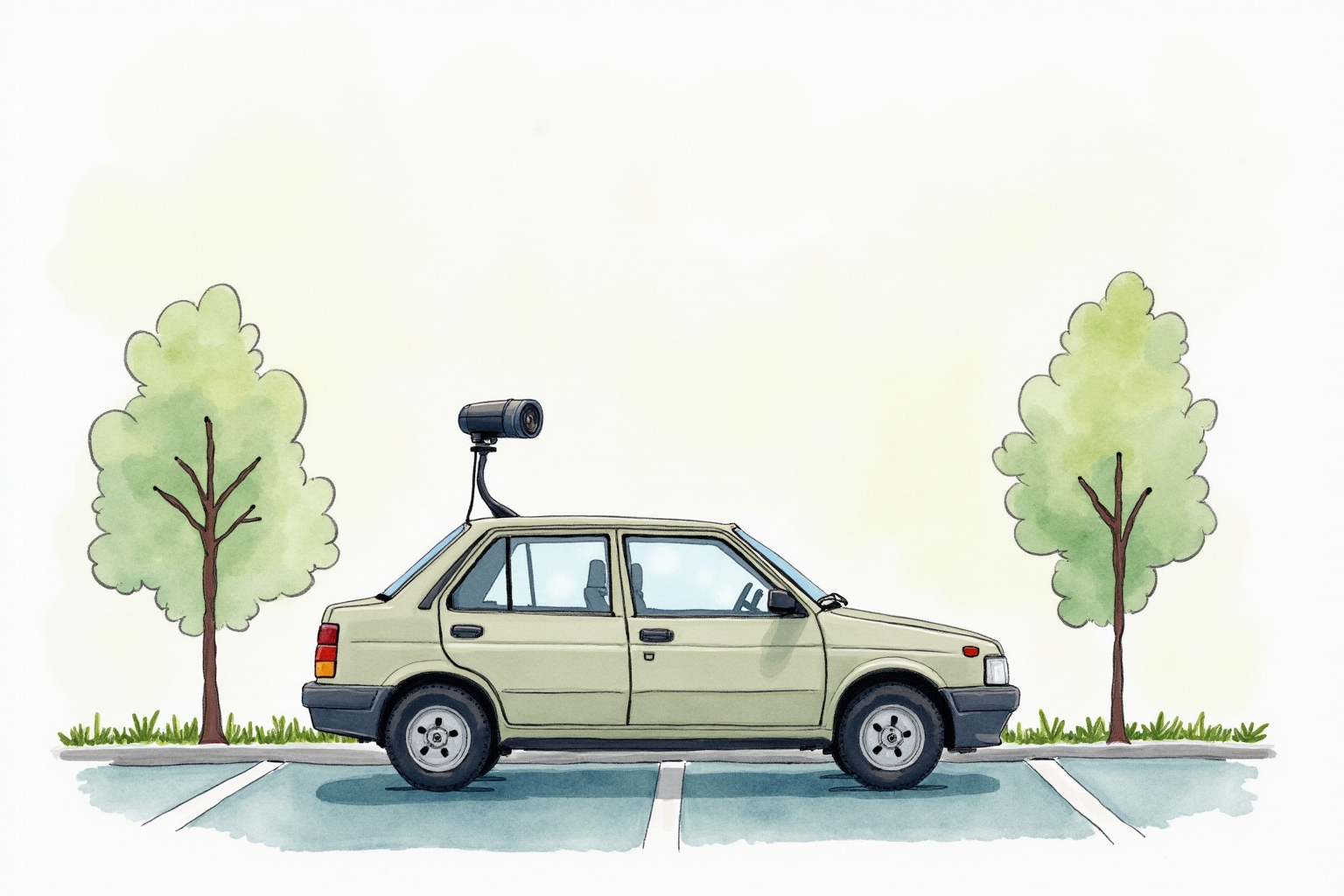
The critical concern with parking mode: car battery drain.
Dash cams in parking mode draw 0.2-0.5A continuously. Over 12 hours: 2.4-6Ah drain. A healthy car battery is 50-70Ah; starter requires about 25Ah to start. So 5-10 hours of parking mode can theoretically prevent vehicle starting.
The solution: low-voltage cutoff. Quality hardwire kits include circuit that disconnects dash cam when battery voltage drops below threshold:
- 11.8V cutoff (aggressive — preserves battery aggressively)
- 12.0V cutoff (standard — balance)
- 12.2V cutoff (conservative — extra margin)
Most VIOFO and BlackVue hardwire kits offer adjustable cutoff. Set to 12.0V for most situations.
Hardwire kit installation
VIOFO HK4 Hardwire Kit for A129 Series
Price · $20-30
+ Pros
- · Adjustable low-voltage cutoff (11.8V, 12.0V, 12.2V)
- · Includes fuse taps and ground wire
- · Pre-cut to proper length
- · Easy DIY installation
− Cons
- · Vehicle-specific compatibility check needed
- · Requires fuse box access
- · Multimeter recommended for verification
Paid affiliate link. Price, availability, and ratings can change; verify details on the retailer page before buying.
Hardwire kit installation steps:
- Locate fuse box (usually under steering wheel or in glove box)
- Use multimeter to identify ACC fuse (powered with key on, off with key off) and constant 12V fuse (always powered)
- Insert fuse tap into both identified fuses
- Connect kit’s ACC wire to ACC fuse tap
- Connect kit’s constant wire to constant 12V fuse tap
- Connect ground wire to chassis ground bolt
- Verify with multimeter
- Set low-voltage cutoff threshold (most kits have a switch or dial)
If uncomfortable with this, professional installation runs $50-150.
External battery packs
For users wanting unlimited parking mode without car battery concern:
BlackVue B-130 Power Magic Ultra Battery Pack
Price · $250-350
+ Pros
- · 72+ hour parking mode capacity
- · Charges automatically while driving
- · Doesn't touch car battery
- · Compact form factor
− Cons
- · Premium price
- · BlackVue ecosystem (less universal)
- · Additional installation complexity
Paid affiliate link. Price, availability, and ratings can change; verify details on the retailer page before buying.
External battery packs (BlackVue B-130 Power Magic, Cellpark, Thinkware iVolt) work as:
- While car is running, battery pack charges from vehicle electrical system
- When car is off, battery pack powers dash cam from its internal cells
- Dash cam can record parking mode for 24-72 hours depending on capacity
- When battery pack depletes, dash cam shuts off automatically
This completely isolates parking mode power from car battery, eliminating drain concerns.
Best for: high-value vehicles, frequent street parking in high-crime areas, multi-day parking situations, users with anxiety about car battery health.
Overkill for: most drivers, garage-parked vehicles, brief parking situations.
Parking mode best practices
Combine motion and time-lapse: motion-triggered for high-quality event capture, time-lapse continuous for baseline coverage of long parking periods.
Set sensitivity appropriately: too sensitive triggers from cars driving past, pedestrians, wind. Too low misses real events. Tune sensitivity over first week of use.
Manage memory card: parking mode generates many small events. Quality dash cam keeps “important” events (impacts) and rotates motion events. Check memory card usage weekly initially.
Test occasionally: walk in front of parked vehicle to verify motion triggering. Open door to test impact triggering. Verify recordings appear in app.
Cold weather monitoring: car batteries lose 30-50% capacity below 32°F. Parking mode duration shortens. Be especially careful with cutoff settings in winter.
When parking mode helps
Real-world incidents parking mode captures:
Parking lot hit-and-run: most common use case. Person hits parked car, drives away. Without dash cam, no recovery. With dash cam, license plate of culprit usually identifiable.
Vandalism: keying, slashed tires, broken mirrors. Footage helps identify perpetrator and supports insurance claims.
Theft attempts: would-be thieves often check vehicles before targeting. Motion-triggered recording captures suspicious activity.
Neighbor disputes: parking conflicts, vehicle blocking, complaints about driving in shared lots. Footage provides evidence.
Insurance fraud: staged accidents in parked vehicles. Less common but parking mode footage prevents false claims.
Per insurance industry data, dash cam footage (including parking mode) reduces claim disputes by 30-60% in covered incidents.
When parking mode doesn’t help
Parking mode has real limitations:
Doesn’t prevent crime: monitoring, not deterrence. Determined thieves work fast enough to ignore visible dash cams.
Limited night vision: even premium dash cams have reduced clarity in dark parking lots. Important details (license plate, faces) may be unreadable.
Inside garage: if you park in private garage, parking mode is mostly redundant with garage security.
Cold climate limitations: winter cold reduces both car battery and parking mode duration. May not provide overnight protection in extreme cold.
Doesn’t catch everything: motion-triggered may miss slow movement. Impact-triggered may not catch all damage events.
Bottom line
Parking mode is valuable feature that adds meaningful security to vehicles parked in public areas. The implementation requires:
Dash cam with proper parking mode support (most $150+ models work). Hardwire installation with low-voltage cutoff (essential for battery protection). Reasonable sensitivity settings (avoid false triggers).
For most drivers: hardwired dash cam with parking mode is sufficient. VIOFO A129 Plus Duo or equivalent with VIOFO HK4 hardwire kit provides effective parking mode without external battery cost.
For high-security needs: external battery pack (BlackVow B-130, Cellpark) eliminates car battery drain concern, enables unlimited parking mode.
Expect parking mode to occasionally miss minor events but reliably capture serious incidents. The technology is genuinely useful but not infallible.
For complementary reading, see best dash cams 2024, front-rear dash cam setup, and the car electronics category.
Decide whether parking mode matches the real risk
Parking mode is valuable when the car spends time in places where unattended damage is plausible: apartment lots, street parking, work garages, school pickup zones, shopping centers, and shared driveways. It is less valuable for a garaged vehicle that rarely sits in public. Start by naming the actual risk: door dings, hit-and-run bumper contact, vandalism, package-area theft, or repeated disputes in a shared lot. That risk decides whether you need impact recording, buffered video, motion detection, rear coverage, or a visible deterrent.
Power is the main boundary. A dash cam that records while parked must draw energy from somewhere. Hardwire kits with low-voltage cutoff are common, but the cutoff setting, battery age, commute length, and climate determine whether the car can recover charge. External battery packs reduce vehicle-battery risk but add cost and installation complexity. If the vehicle already has weak starting behavior, parking mode should wait until the battery and charging system are healthy.
| Parking situation | Best first choice | Stop point |
|---|---|---|
| Short public errands | Impact-triggered clips and protected files | Camera misses obvious bumps |
| Overnight street parking | Hardwire or battery pack plus rear coverage | Low-voltage warnings or starting trouble |
| Hot climate | Supercapacitor camera and shaded placement | Battery swelling, shutdowns, or melted mounts |
| Shared garage dispute | Date/time/GPS accuracy and easy clip export | Privacy rules prohibit recording area |
Review routine after installation
Test parking mode deliberately. Park, lock the vehicle, wait for the camera to enter parking mode, then create a harmless vibration or walk-through test if the manual allows it. Confirm that the clip is saved, time stamped correctly, and easy to find later. Repeat the check after a hot day and after a cold night because marginal power problems often show up under temperature stress.
Do not treat parking mode as proof that every event will be captured. Camera angle, glare, darkness, condensation, dirt, storage overwrite settings, and sensitivity thresholds all create blind spots. The point is to improve the chance of useful evidence, not to guarantee surveillance. A good setup includes signage or privacy awareness where appropriate, regular card checks, and a simple incident workflow: save clip, photograph damage, record location/time, and contact insurer or property manager before the footage is overwritten.