Portable GPS vs Smartphone Navigation — Real Comparison and Use Cases
Garmin GPS vs Google Maps vs Apple Maps vs Waze: which navigation actually works better, offline use, and when to choose dedicated GPS.
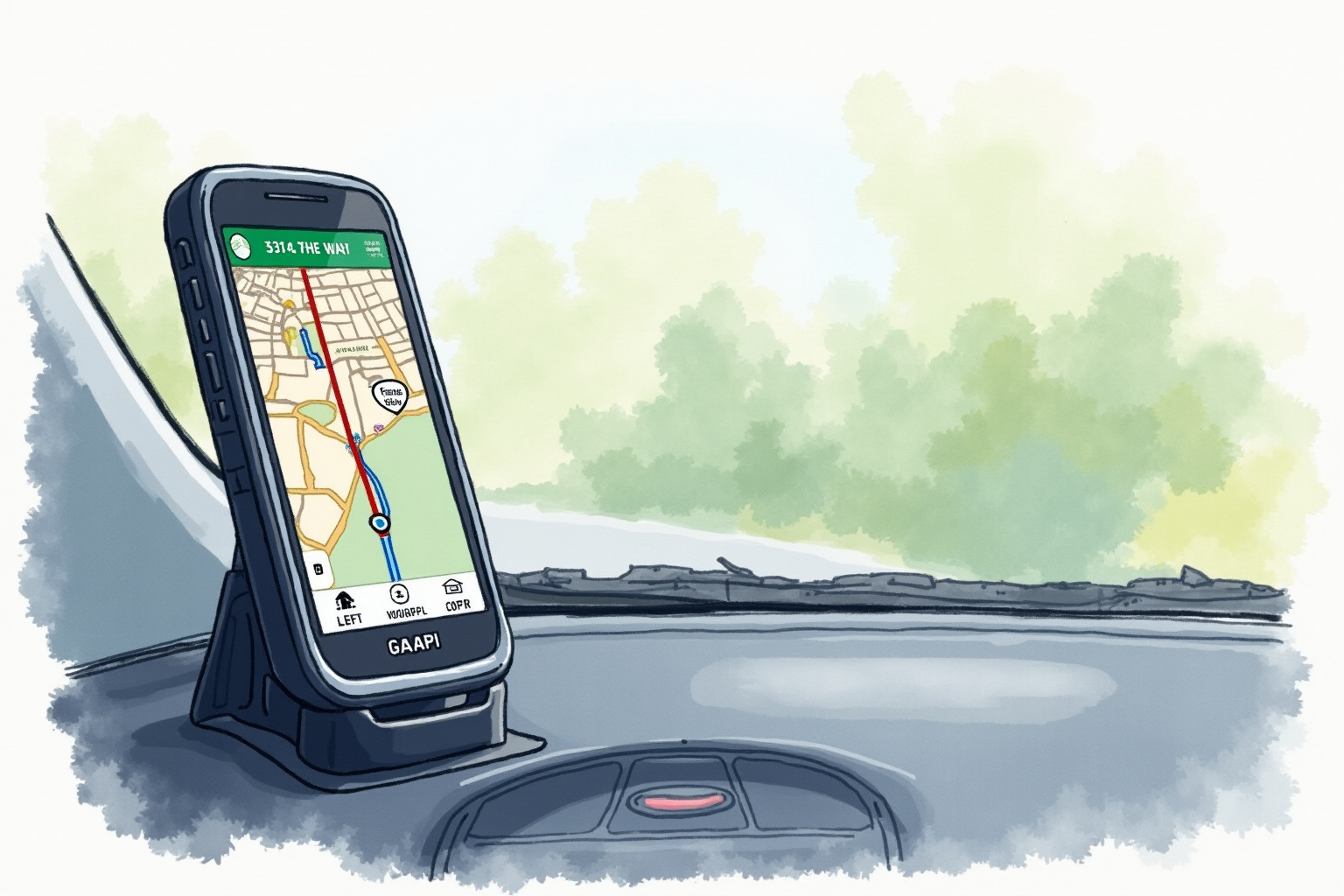
GPS navigation has fundamentally transformed since 2010. Dedicated Garmin and TomTom GPS units dominated the early consumer GPS market, then smartphones with Google Maps and Apple Maps largely replaced them for most drivers. CarPlay and Android Auto further integrated phone navigation into vehicle displays. The remaining question: when does dedicated GPS still make sense?
This article uses Wirecutter testing, PCMag reviews, and direct comparison of major navigation apps to evaluate GPS options. Topics include smartphone navigation comparison (Google Maps, Apple Maps, Waze), dedicated GPS use cases, offline navigation, CarPlay/Android Auto integration, and specialized vehicle needs.
For complementary content, see best dash cams 2024 and parking mode dash cam.
The smartphone navigation winners
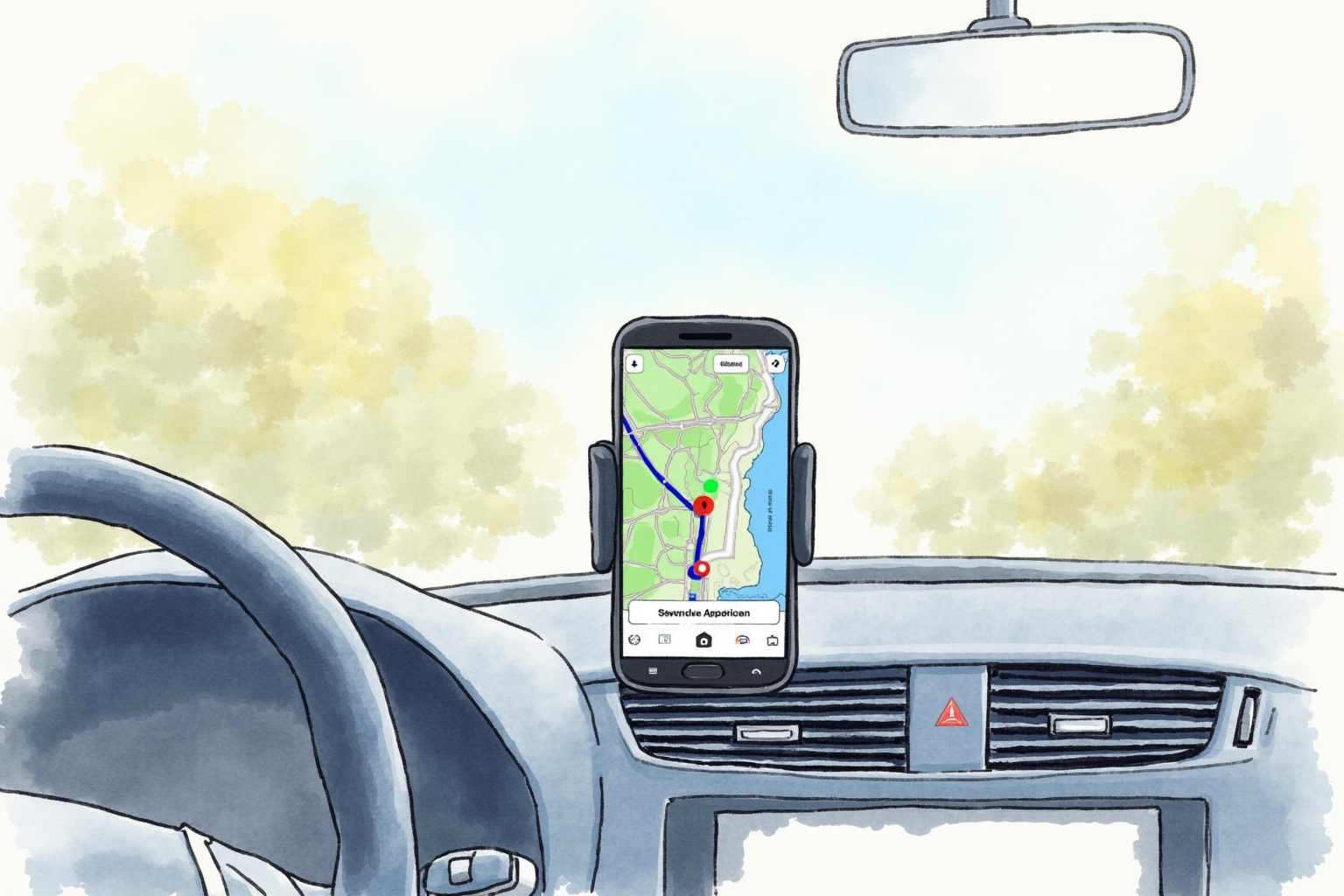
For most U.S. drivers, three smartphone apps cover navigation needs:
Google Maps: clean interface, excellent business search and reviews integration, real-time traffic, lane guidance, offline area downloads. The default for most users.
Apple Maps: dramatic improvement since 2020. Now competitive with Google Maps. Strong integration with Apple ecosystem (Siri, CarPlay, Apple Watch). Default for iPhone users who haven’t installed alternative.
Waze: community-driven real-time alerts. Police, accidents, hazards reported by users. Aggressive route recalculation in heavy traffic. Polarizing interface — some love gamification, others find it distracting.
All three are free, work via cell data + GPS, integrate with CarPlay/Android Auto, and offer offline maps with prep.
Real-world choice
Most drivers settle into preferences. Per Wirecutter and Reddit feedback:
For everyday city driving: Google Maps or Apple Maps (preference varies). Both adequate.
For highway commute with traffic: Waze for community alerts, switch to Google Maps for arrival precision.
For unfamiliar area exploration: Google Maps for business search integrated with directions.
For road trips: Google Maps with downloaded offline areas plus Waze for traffic.
Dedicated GPS — when it still wins
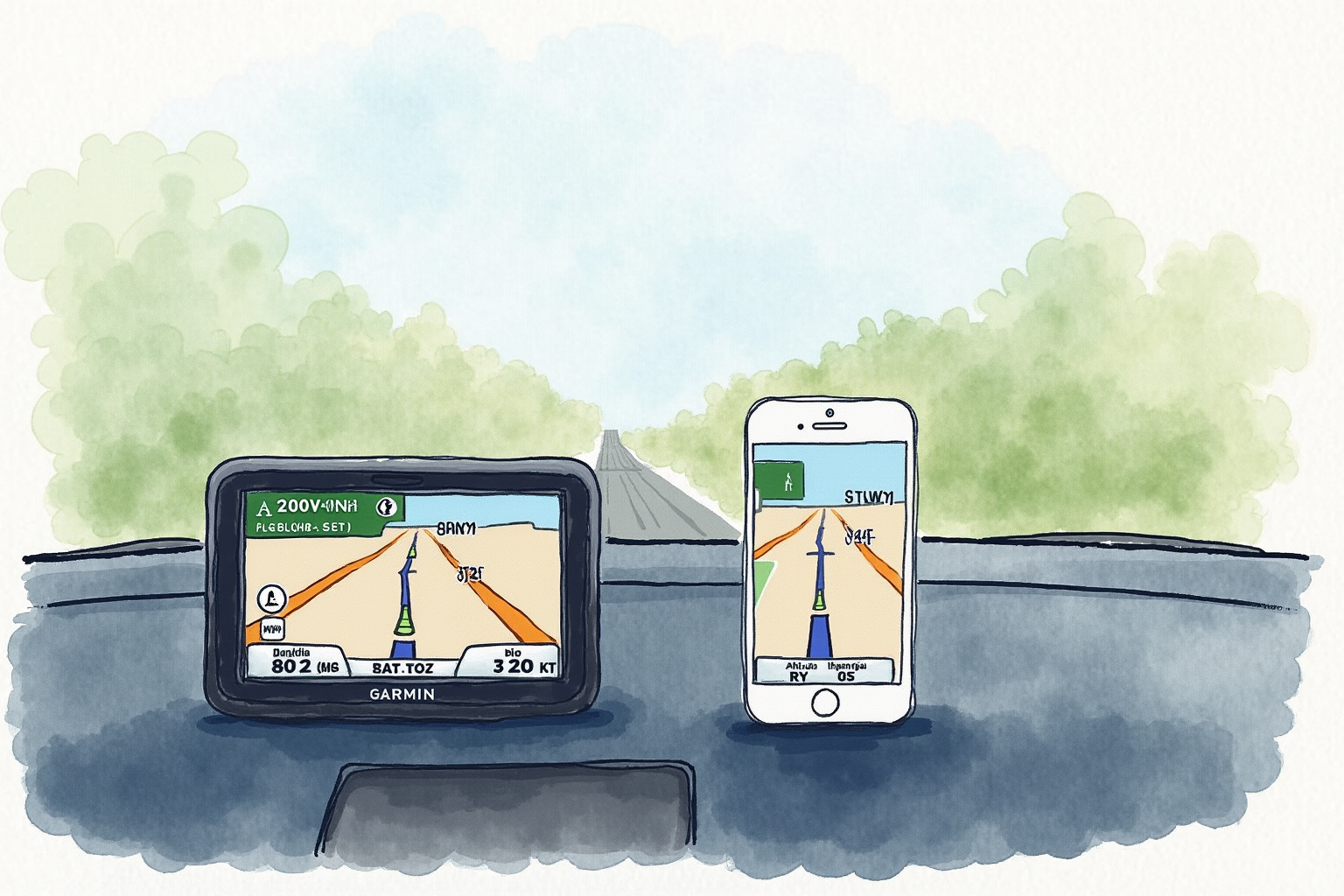
Garmin DriveSmart 76 7-inch Car GPS
Price · $200-280
+ Pros
- · 7-inch dedicated display — larger than most car infotainment
- · Lifetime map updates included
- · Works without cell signal anywhere
- · Voice control with Garmin Assistant
− Cons
- · Premium pricing vs free phone apps
- · Smaller user base than smartphone apps
- · Map updates require periodic computer connection
Dedicated GPS makes practical sense for:
Remote area travel: rural Alaska, national parks, mountain driving, parts of the West. Cell coverage gaps mean phone navigation fails. Dedicated GPS works anywhere with sky view.
Drivers without unlimited data: navigation apps consume significant data (50-200 MB per long trip). Drivers with limited plans benefit from dedicated GPS.
Older vehicles without CarPlay/Android Auto: dedicated GPS provides bigger display than holding phone in mount.
Professional truckers: Garmin dezl and Rand McNally OverDryve provide commercial vehicle routing (height/weight/hazmat restrictions). Phone apps don’t.
RV and trailer drivers: similar specialized routing for larger vehicles.
Motorcyclists: waterproof, glove-friendly GPS units (Garmin Zumo) outperform phones for moto use.
Anti-tech preference: some drivers want navigation without phone integration. Dedicated GPS provides this.
Phone mount options

For smartphone navigation, vehicle phone mount is essential:
Beam Electronics Universal Smartphone Car Mount
Price · $15-25
+ Pros
- · Vent-mounted for windshield-free placement
- · Universal compatibility 4-7 inch phones
- · Solid grip without crushing phone
- · Easy one-hand insertion and release
− Cons
- · Vent mount may interfere with HVAC airflow
- · Less stable than CD slot mounts
- · May not work with curved-screen phones
Phone mount options:
Vent-mounted: most common, easy install, no permanent attachment. Slight HVAC interference. $15-30.
Windshield/dashboard suction: legal in most states. Strong grip. Some prefer cleaner aesthetic. $20-40.
CD slot mount: uses unused CD slot. Very stable. $20-40. Only for vehicles with CD player.
Magnetic mount: phone snaps to magnet. Very fast. Requires magnetic adapter on phone or case. $15-40.
For navigation use, mounting in driver’s natural sight line is critical. Adjustable mounting angle matters more than mount style.
CarPlay and Android Auto
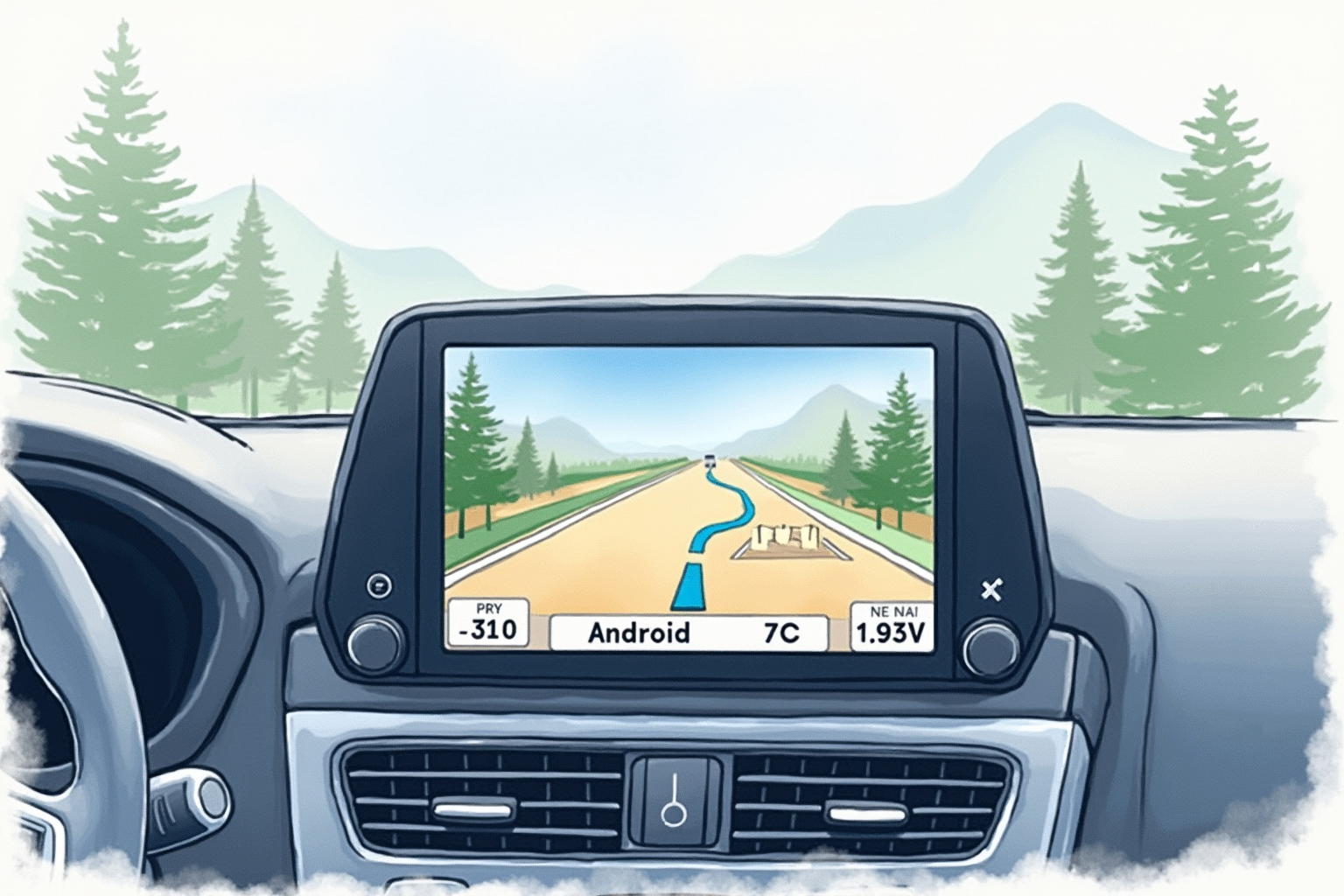
The fundamental change in vehicle navigation: CarPlay (iPhone) and Android Auto (Android) project phone apps onto vehicle’s infotainment display.
Benefits:
- Larger display than phone
- Steering wheel button integration
- Vehicle audio system integration
- Driver-focused interface
- Apps update via phone
Available apps via CarPlay/Android Auto:
- Google Maps
- Apple Maps (CarPlay only)
- Waze
- Various third-party navigation
Compatibility: most 2018+ vehicles support CarPlay/Android Auto. Some 2015-2017 models. Older vehicles can add aftermarket head units ($300-1,500 installed) for CarPlay/Android Auto support.
Per Wirecutter analysis, CarPlay/Android Auto has dramatically reduced demand for dedicated aftermarket GPS. For drivers with newer vehicles, smartphone via CarPlay/Android Auto is the right approach.
Offline preparation
Even smartphone-loyal users should prepare offline maps for road trips:
Google Maps offline: open app, search for region, “Download offline area” from menu. Downloads up to 30 days expiration. Maps + basic routing work offline.
Apple Maps offline: similar functionality added 2024. iOS 17+ required.
Waze: doesn’t support traditional offline maps but caches recent areas.
For long road trips, download offline areas for entire route + 50-mile buffer before departure. Storage usage: roughly 200MB-1GB per major region.
For wilderness/national park travel, dedicated GPS plus paper map backup remains the safe approach.
Specialty navigation
Commercial trucking: Garmin dezl ($300-500) or Rand McNally OverDryve ($400-600). Routes around height, weight, hazmat restrictions. Required for commercial drivers in many situations.
RV and trailer: similar specialized routing. Avoids low bridges, weight-restricted roads.
Motorcycle: Garmin Zumo XT ($600). Waterproof, glove-friendly, motorcycle mount, motorcycle-specific routing (twisty roads, scenic routes).
Marine: Garmin marine GPS series. Marine charts, fish finders, depth sounders.
Aviation: Garmin Pilot, ForeFlight. Aviation-specific charts and routing.
Backcountry hiking: Garmin GPSMAP 64 series ($300-500). Topo maps, rugged build, replaceable batteries.
These specialty units aren’t replaceable by smartphone apps for their use cases.
Recommendation matrix
Most U.S. drivers in cities/suburbs: smartphone + Google Maps + phone mount. Free, capable, no compromises.
iPhone users: Apple Maps via CarPlay if available, otherwise phone mount. Apple Maps now matches Google for most uses.
Heavy traffic commuters: Waze plus Google Maps. Waze for real-time alerts, Google for arrival precision.
Drivers in vehicles without CarPlay/Android Auto: phone mount with smartphone navigation. Less integrated but capable.
Rural/remote area drivers: dedicated GPS (Garmin DriveSmart series) plus smartphone backup. Offline reliability essential.
Commercial drivers: dedicated specialized GPS (Garmin dezl for trucking, similar for RV).
Tech-averse drivers: dedicated GPS provides navigation without phone integration.
Bottom line
For most U.S. drivers with reasonable cell coverage and modern smartphones, dedicated GPS is unnecessary. Free smartphone apps (Google Maps, Apple Maps, Waze) outperform older standalone GPS for routine use.
Where dedicated GPS still wins: remote area travel, commercial vehicle routing, motorcycle/RV/marine specialty needs, vehicles without CarPlay/Android Auto.
For most readers: invest in quality phone mount ($15-30) and become comfortable with Google Maps or Apple Maps. CarPlay/Android Auto where available makes phone navigation feel native to vehicle.
For specific niche needs, dedicated GPS remains the right tool — but they’re niches, not the mainstream choice anymore.
For complementary reading, see best dash cams 2024, parking mode dash cam, and the car electronics category.